QUEENSLAND AIR MUSEUM
Australian Aviation History
Get Up Close and Personal
WELCOME TO THE QUEENSLAND AIR MUSEUM
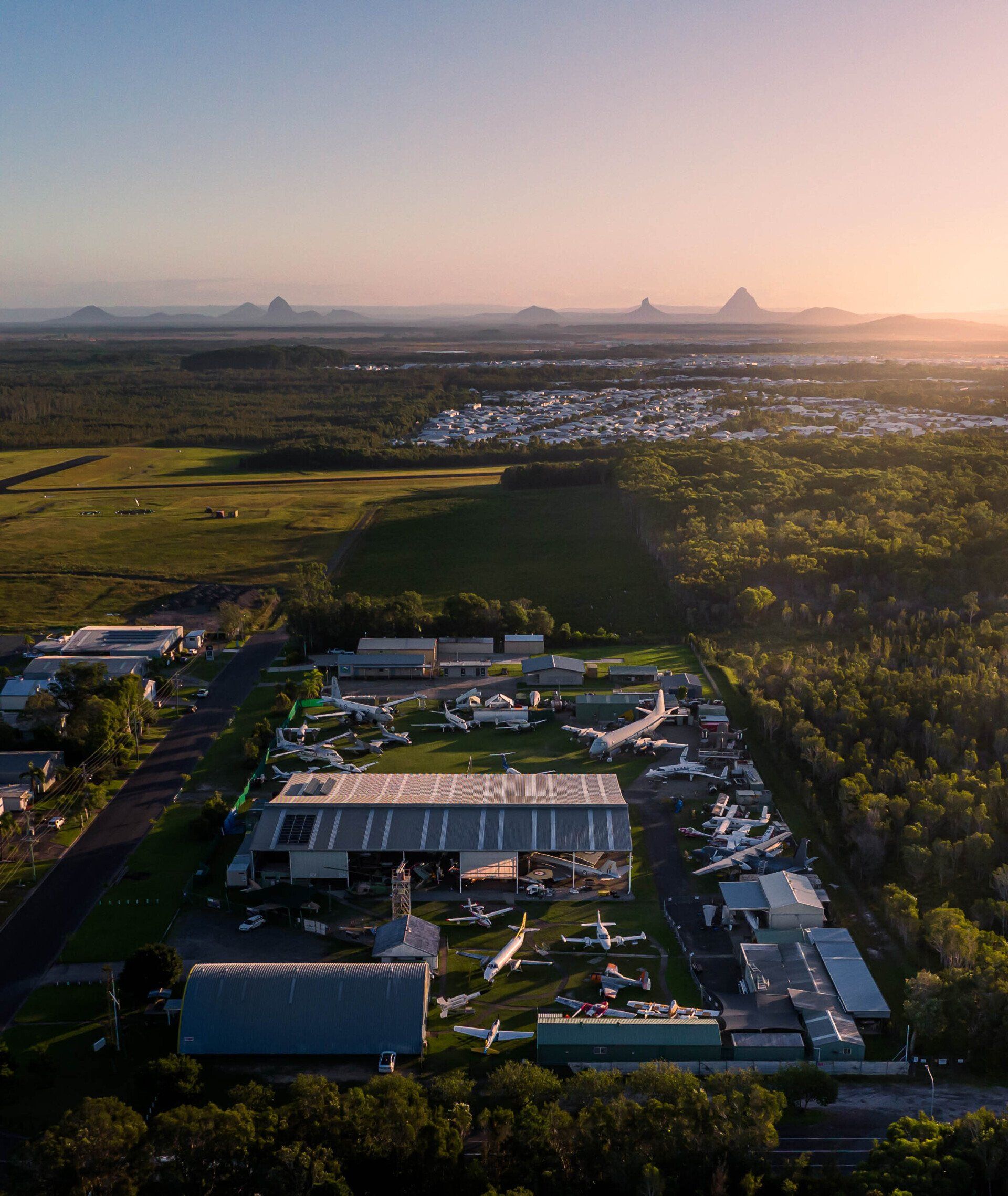
The Queensland Air Museum is run entirely by volunteers to preserve Australia’s aviation heritage. You will be amazed and inspired by our collection of over 80 historic military and civilian aircraft set on two hectares in beautiful Caloundra on the Sunshine Coast.
Many of our military aircraft have played essential roles in defending our nation and supporting our allies throughout the 20th century and into the 21st. Our exhibits also include iconic civilian and utility aircraft complementing our military theme, making the collection the largest and most diverse in Australia.
Our restoration and conservation work is challenging and ongoing. Since 1973, we have salvaged, purchased and restored over 100 aircraft. In addition, we have a large display of aero-engines, an extensive range of rare artefacts, books and reference materials and a growing collection of audio-recorded stories from the people who have lived our aviation history.
The Queensland Air Museum is a not-for-profit organisation that receives income from visitors and private donations. Your visit will contribute significantly to our ongoing work and enable us to continue the preservation of this unique collection.
Please consider donating.
* (All donations over $2 are tax deductible)
Watch two minutes welcome video
For The Visitor We Offer
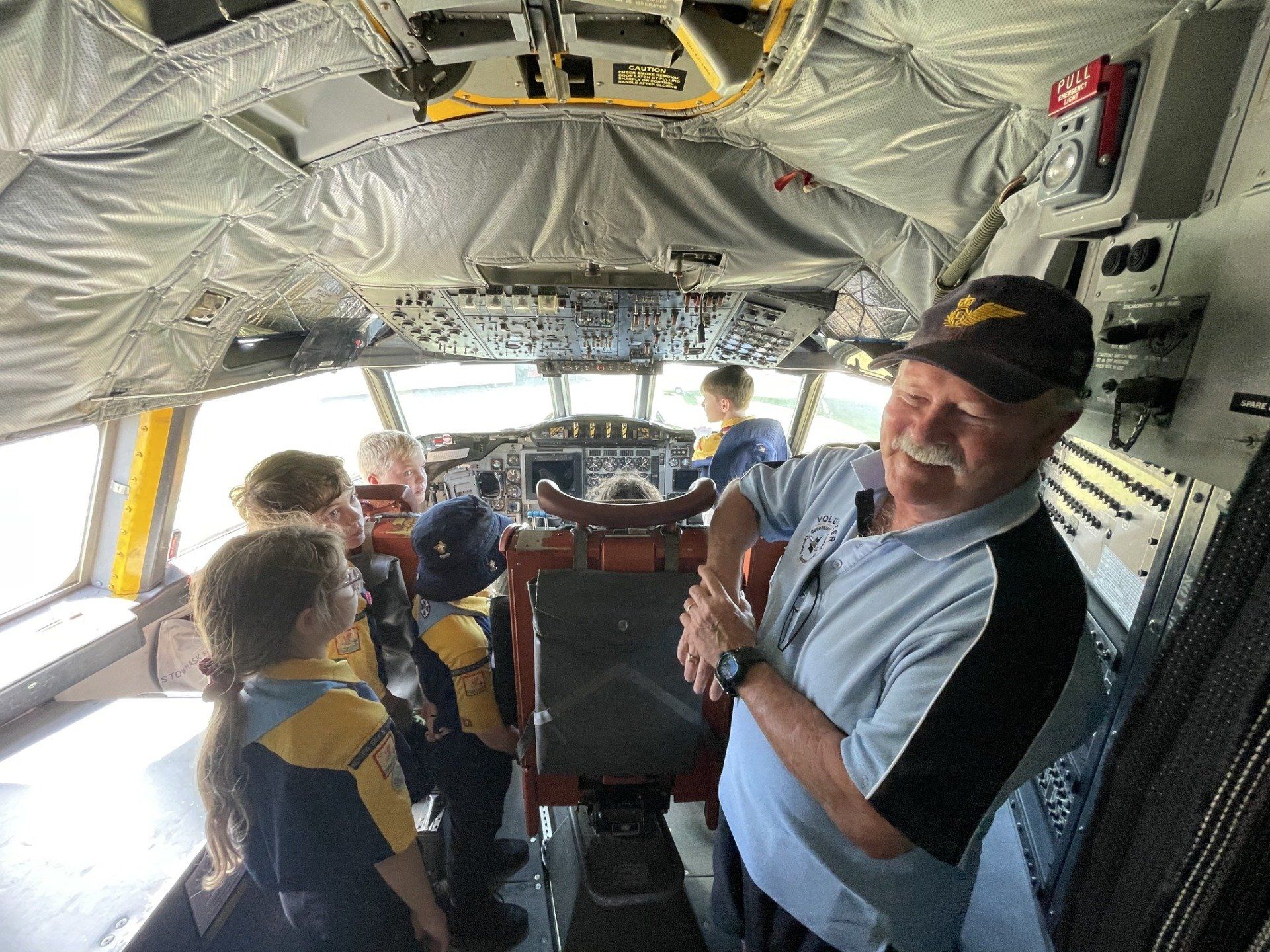
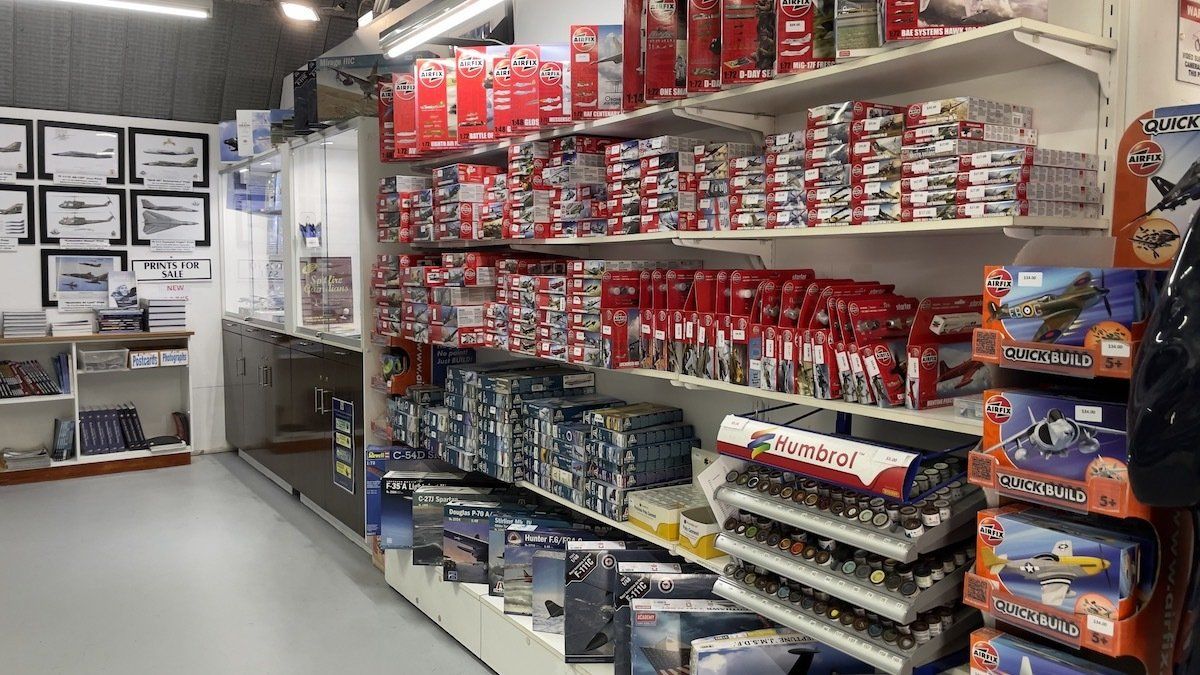
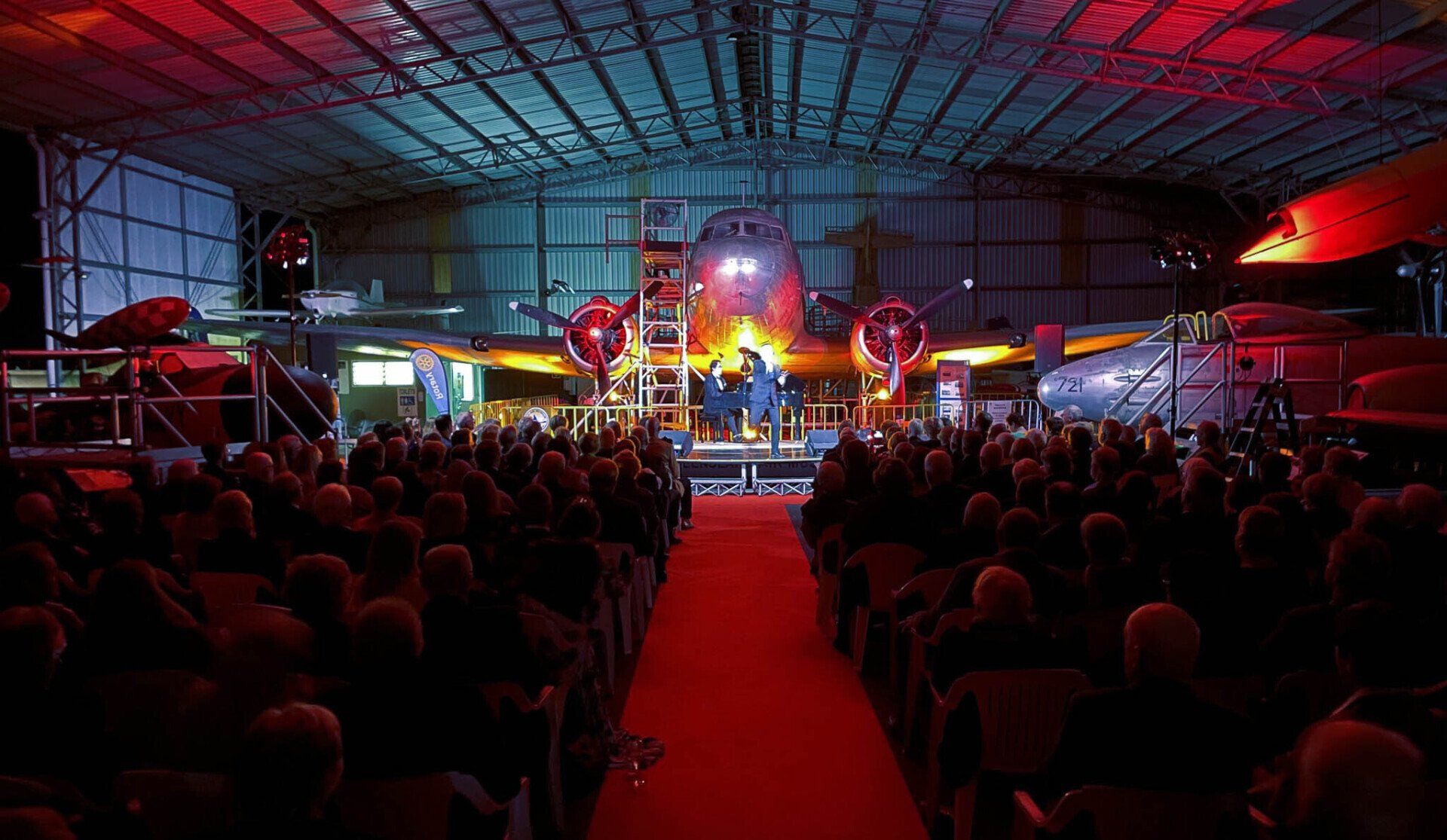
A great day out for all the family: a unique chance to get right up close to the aircraft – Free tour guides on hand most days to enhance your visit and make the exhibits ‘come to life’ – A great wet-weather venue with many exhibits undercover – Four scheduled, themed Open Cockpit Days in 2023 with engine runs – Hosting of group tours – Group events in Hangar 2 – A well-stocked shop with clothing, souvenirs, models, books, videos and DVDs.

GETTING HERE
While visiting the Sunshine Coast, a visit to the famous Queensland Air Museum is sure to excite all the family. See our extensive range of aircraft memorabilia from the 20th century and beyond with interactive displays, exhibits, and aircraft machinery. We are located on two hectares adjacent to the Caloundra Aerodrome on Pathfinder Drive and are open from 10am to 4pm every day, except Christmas Day and Good Friday.

LISTEN TO INSPIRING AVIATION STORIES
The podcast of the Queensland Air Museum, Caloundra – Australia's largest and most diverse aviation museum with your host Garry Hills.


ADMISSION PRICES
Admission tickets can be purchased on arrival at the museum front desk.
ADULT -
$25
CONCESSION -
$18
CHILD -
$12.50
FAMILY -
$60
(2 adults + 3 children under 15)
ANNUAL PASS
ADULT -
$55
CONCESSION
-
$40
CHILD -
$28
FAMILY -
$135
(2 adults + 3 children under 15)
*Pass holder's names are recorded on the pass. ID required at the entry.

The Queensland Air Museum acknowledges the traditional custodians of the land on which we operate, the Kabi Kabi people and their connections to land, sea and community; and pays respect to their Elders past, present and emerging.
©Copyright 2024 Queensland Air Museum ABN 88 760 302 357 non-profit. All Rights Reserved.
This website is archived by the National Library of Australia Pandora Project.